For learners
- 1Find a BlueprintBrowse free and paid Blueprints, and hear the result first.
- 2Open it beside your DAWOne click opens it in the HUDSUPP desktop app.
- 3Follow it step by stepPress Next as you work. No more pausing and rewinding.
Loading…
HUDSUPP turns a producer's craft into step-by-step Blueprints that sit inside your DAW. Learn while you create, not afterwards.
A demo video is not available yet.
A tutorial asks you to stop, switch windows, and find your place again. That friction is the gap between watching and making.
HUDSUPP keeps a producer's method as steps right beside your DAW, so you can follow it while you make the music.
Authentic screenshots of the desktop HUD that sits beside your DAW — library, Blueprint steps, and Why notes.
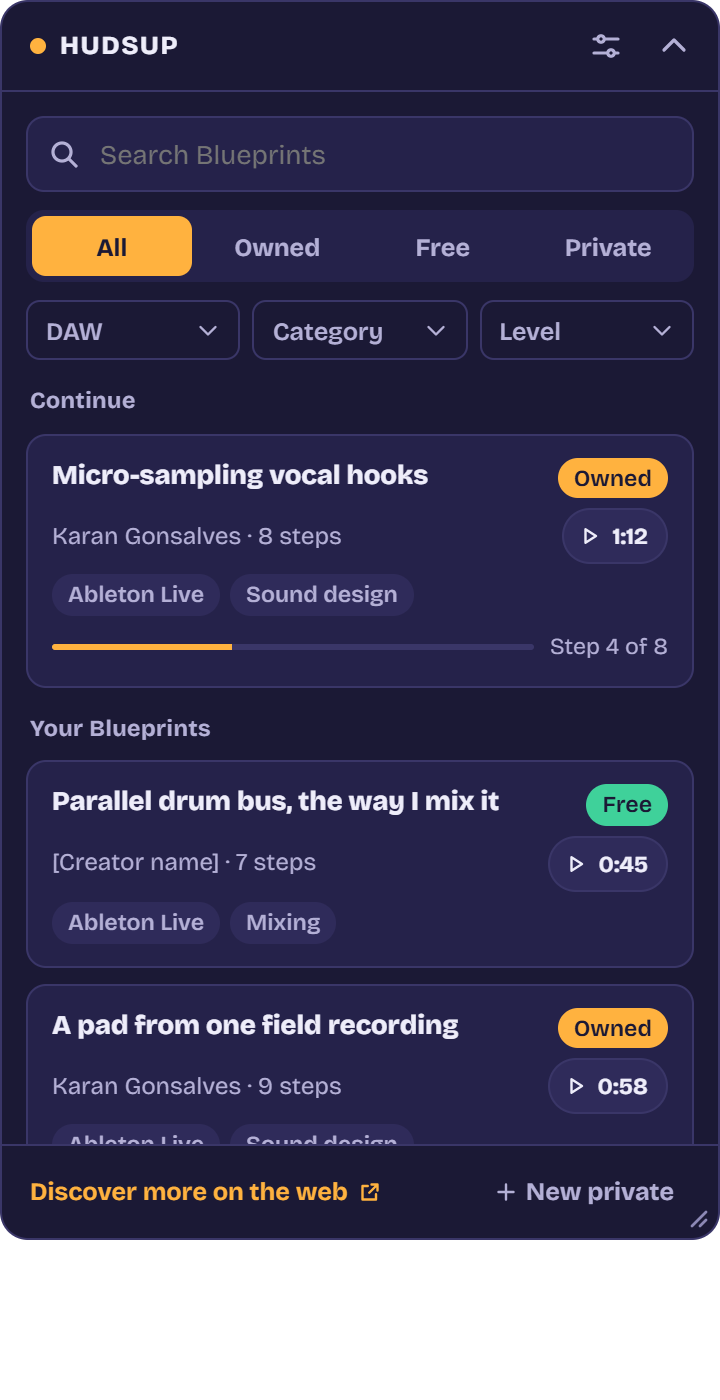
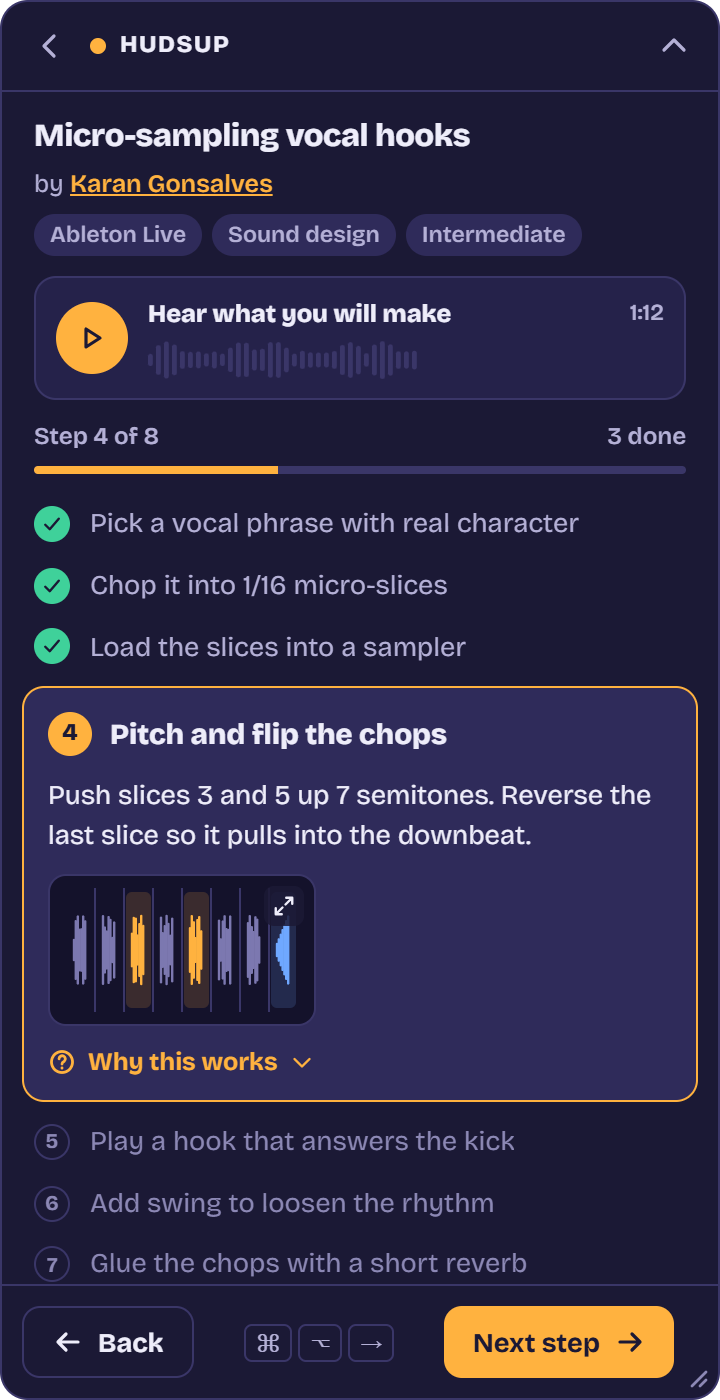
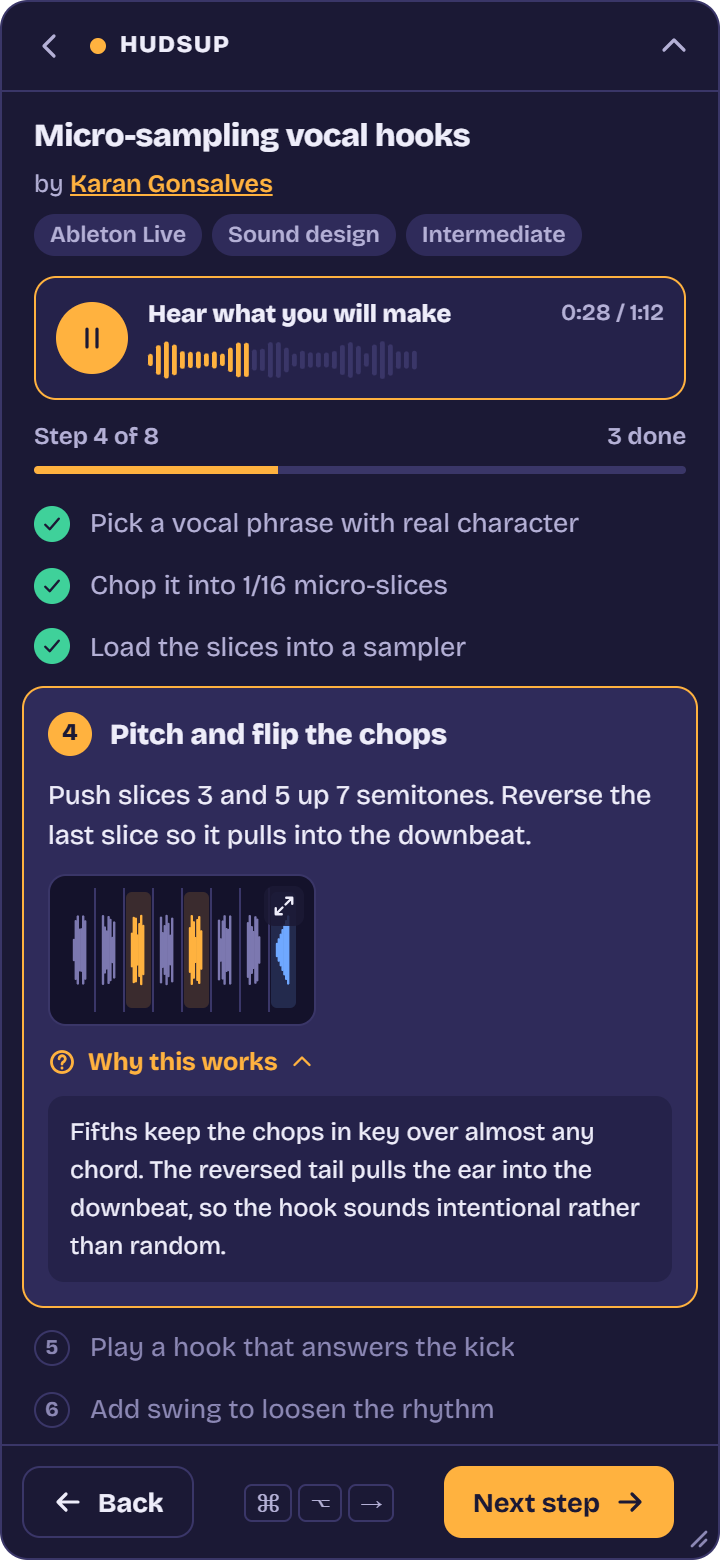
Generic how-to is becoming free and instant. What it can't give you is a producer's way of working: how they think through a track, the choices they make by ear, and how they finish ideas.
HUDSUPP is built for that. A person's method, followed step by step, right beside your DAW.
One-time payments by UPI, card or netbanking. The app is free. Purchase is not available yet.
A small window that stays on top of your DAW. Press a hotkey for the next step without leaving your session. No plugins, no setup inside the DAW.
Windows and macOS installers are not published in this build.

I'm Karan Gonsalves. I make music in Ableton, and I know the loop: tutorial on one screen, session on the other, pause, rewind, lose the thread.
What got to me most was having my workflow interrupted just as an idea was coming together. I wanted something with me in real time, during the creative part. That's HUDSUPP.
Karan Gonsalves, founder
Free Blueprints are open. A Creator Pass is priced per creator. This page does not take payment.
Open a Blueprint in the desktop HUD beside your DAW and follow the steps.
The HUD is built to sit beside your session. It does not control the DAW.
The Windows and macOS apps are signed builds from HUDSUPP when installers are published. The HUD sits on top of your session as a separate window — it does not inject plugins, read your project files, or control your DAW. Download only from this website.
Private Blueprints you create stay on your account.
Approved creators. A learner can ask for access from the creator access page.
No commission rate has been saved. This page does not treat a placeholder as an approved rate. Payouts are not available in this build.
Publishing from this page is not available yet.
The creator writes the Blueprint. This page does not add a rights agreement.